How to check whether your backlinks are indexed
Getting a backlink is only half the job. If the search engine never indexes the page that links to you, that link does nothing. Here's how to check.
 AdriánDec 15, 20259 min read

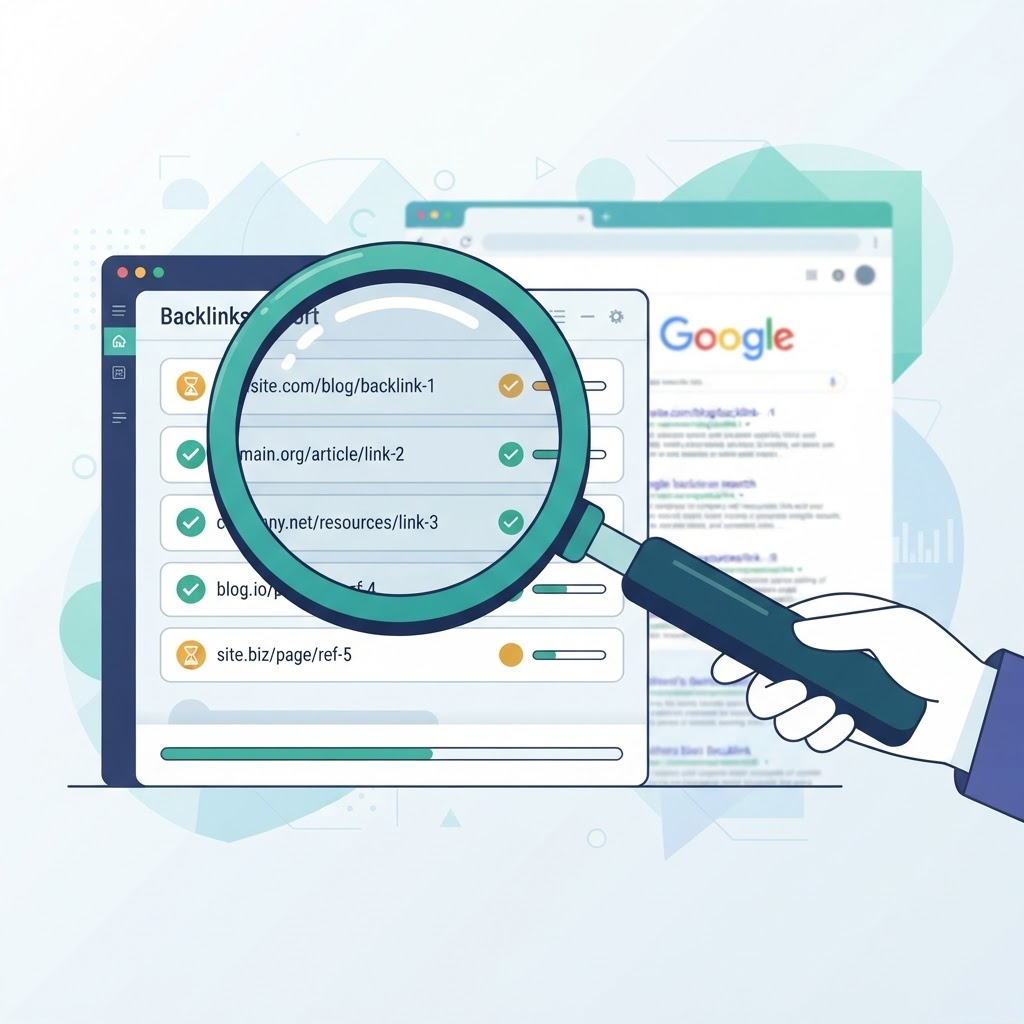
Why you should check whether a backlink is indexed
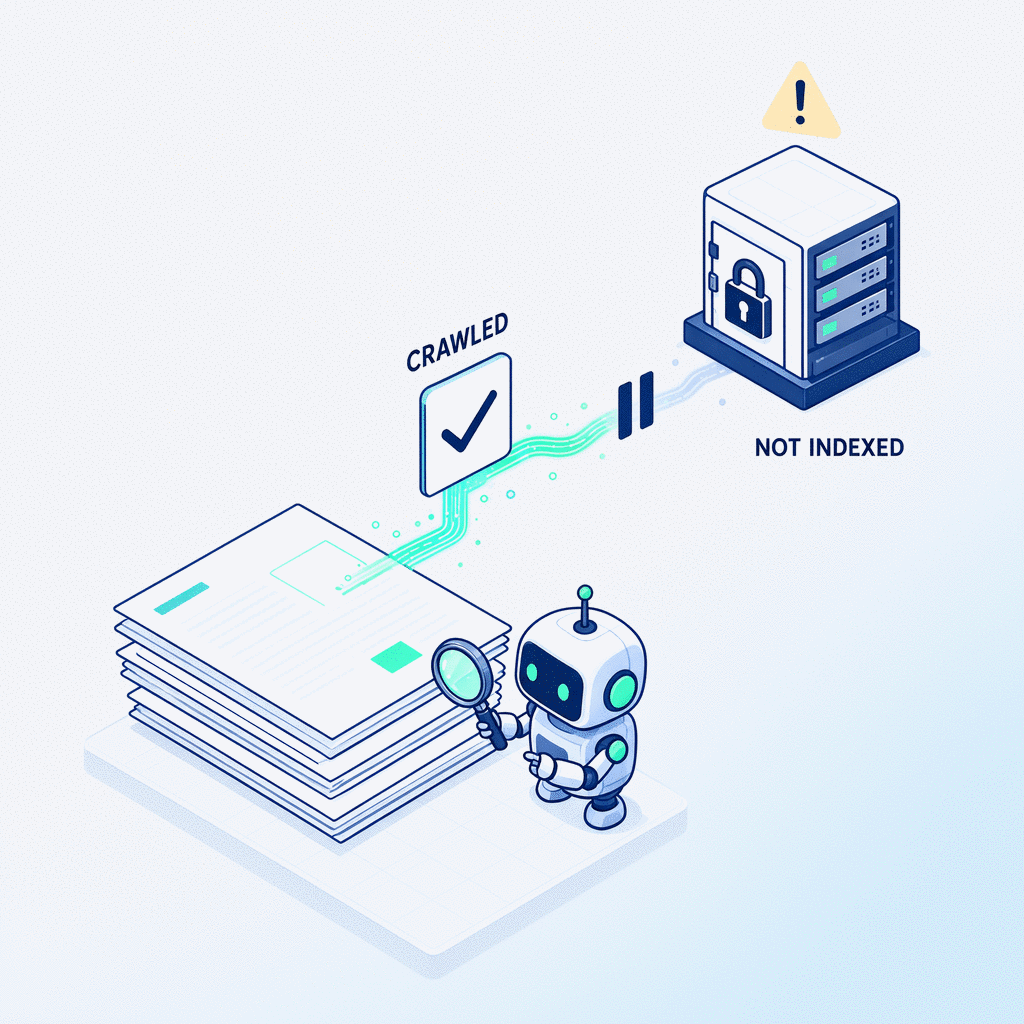
A backlink that isn't indexed is a link that doesn't exist for search engines. It doesn't matter that the linking page has good authority, relevant content, or perfect anchor text. If Google hasn't indexed that page, it won't follow the link, it won't pass authority, and it won't improve your rankings.
A lot of people forget this part. They focus on getting backlinks but never check whether those links actually work. And the reality is: a significant percentage of backlinks never get indexed. Not because you did anything wrong, but because Google is increasingly selective about what makes it into its index.
So yes, checking the status of your backlinks periodically is part of the job. And there are several ways to do it.
Method 1: The site: operator
This is the quickest method, and you don't need access to any tool. Just open Google and type:
site:the-url-of-the-page-linking-to-youFor example, if your backlink is on a page with the URL https://example.com/seo-article/, you type in Google:
site:https://example.com/seo-article/If the page shows up in the results, it's indexed. If it doesn't, Google doesn't have it in its index, and your backlink is worth nothing for now.
The site: operator is reliable for spot checks. If you have five or ten backlinks you want to review, it works fine. If you have hundreds, you need something faster.
Method 2: Search the exact URL
Another option is to copy the full URL of the page linking to you and search for it directly in Google with quotes:
"https://example.com/seo-article/"If the page is indexed, Google will show it as a result. If not, it won't appear.
This method is more precise in some cases, especially when the URL has parameters or alternative versions. But it's still manual.
Method 3: Google Search Console
If you own the site where the backlink is (or can get access), Search Console gives you the most reliable information.
Go to the URL inspection tool at the top, paste the URL of the page linking to you, and it will tell you exactly whether it's indexed, when Google last crawled it, and whether there are any issues preventing it from being in the index.
This method is the most complete, but it has a clear limitation: you can only use it for sites you have access to. For backlinks on third-party sites, you need to use the methods above.
Live example with our own site
To show you how this works, let's use our own site as an example. Click any of these links:
- Check if our About page is indexed →
- Check if our Blog is indexed →
- See all indexed pages on mybacklinkindex.com →
Each link takes you straight to Google with the search already set up. If the page appears in the results, it's indexed. If it doesn't, Google doesn't have it in its index yet.
This is the exact same process you should follow with the pages where your backlinks live. If the page linking to you doesn't show up when you search site:its-url, your backlink isn't working.
How we do it at MyBacklinkIndex
When you submit a backlink to our platform, we don't just try to get it indexed and wait. We check its status automatically.
Here's exactly what our system does:
- Once a day, we check whether your backlink URL is indexed in the major search engines.
- If it's not indexed, we keep working: we send signals to crawlers, inviting them to revisit the page.
- We repeat this process every day until the page gets indexed, or until the credits you've assigned to that link run out.
- When the page gets indexed, you see it directly in your dashboard. No need to check anything manually.
The daily check is part of the service. It's not an add-on, not a separate module. It's part of how MyBacklinkIndex works: send signals, check, and repeat until it works.
What we don't do is promise that everything will get indexed. That's up to Google. But at least you'll know exactly what's happening with each of your backlinks, day by day.
Summary
There are three main ways to check whether a backlink is indexed:
site:urlin Google: quick and manual.- Search the exact URL in quotes: more precise for complex URLs.
- Google Search Console: the most reliable, but only works for sites you own.
If you'd rather not monitor every link yourself, at MyBacklinkIndex we check your backlinks every day automatically. We give you 2000 free credits to try it. No credit card required.
Adrián
Co-founder of MyBacklinkIndex. 6+ years in SEO and indexing. Started in the IT department of a major US newspaper, worked at an agency, and eventually built this project with David.
Related articles
2000 free credits to try our service
No credit card. Enough to index 20 links. We trust our work.
Start Indexing Free