How to Check Whether Your Backlinks Are Indexed
Getting a backlink is only half the job. If a search engine never discovers the linking page, that link can't pass value. Here's a practical way to find out what's indexed — and what to do about the rest.
 Jordan RiveraAug 1, 20269 min read
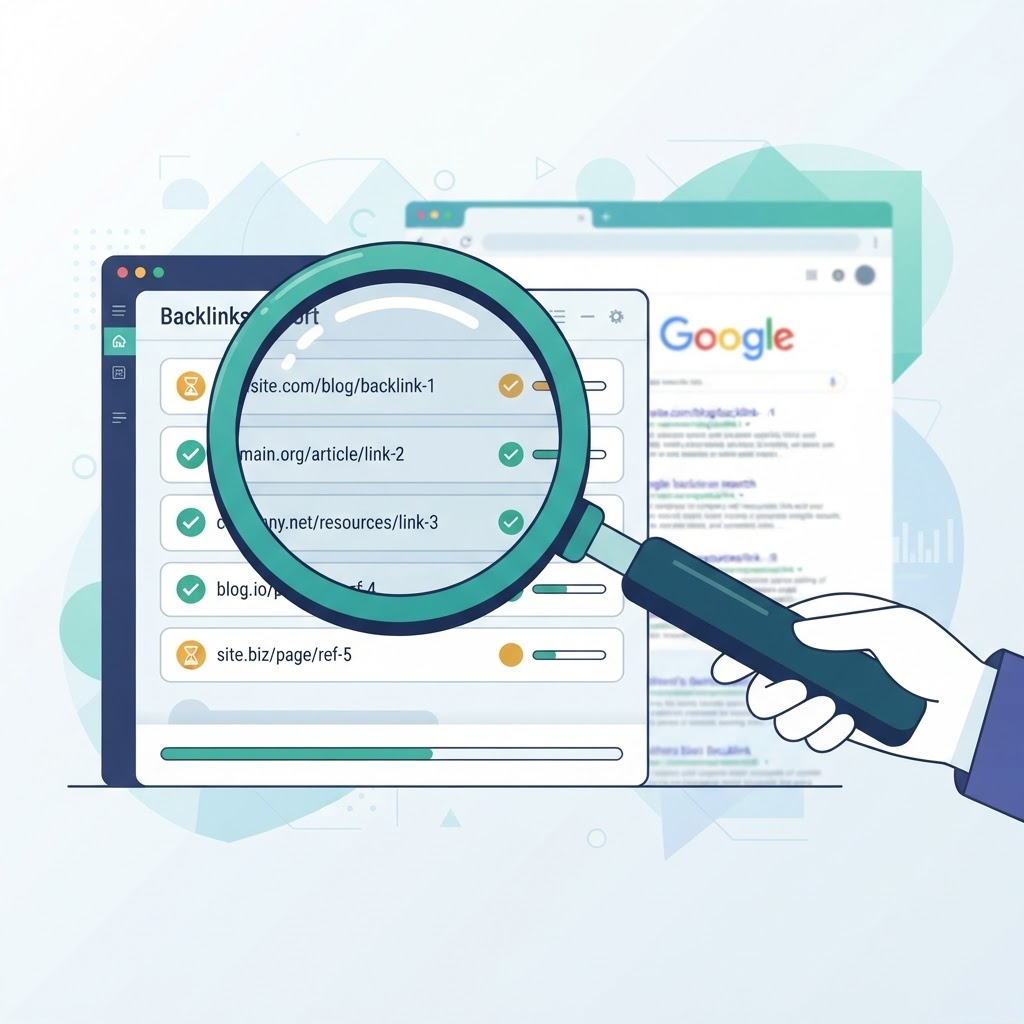
What indexing means
Indexing is the process by which a search engine discovers a page, analyzes its content, and stores it in a database that can be returned in search results. A page that isn't indexed effectively doesn't exist as far as search is concerned — and neither do the links on it.
When we talk about backlink indexing, we mean whether the pages that link to your site have themselves been discovered and indexed. A brand-new link on an obscure, rarely-crawled page may take weeks to be found, or may never be found at all.
Indexing can never be guaranteed by any tool. Search engines make the final decision based on their own signals. The goal is to organize, submit, and monitor efficiently — not to promise outcomes.
Why it matters for backlinks
A link only contributes to how search engines understand your site once the linking page is crawled and indexed. If you build ten links and only four linking pages are indexed, you're realistically working with four links. Tracking this gap helps you:
- Prioritize follow-up on links that are stuck in a pending state.
- Spot patterns — for example, links from a particular source that rarely get indexed.
- Report accurately to clients or stakeholders instead of counting raw link totals.
How to check your backlinks
There are a few common approaches, from fully manual to workspace-assisted:
- Manual search operators. Searching for the exact URL of a linking page can indicate whether it's known to the search engine. This works for a handful of links but doesn't scale.
- Search console tools. Official webmaster tools report on pages of sites you own — useful, but they don't cover third-party linking pages.
- A dedicated workspace. Tools like MyBacklinkIndex let you store every backlink, submit them for status checks, and monitor indexed, pending, processing, and failed states in one view.
Whatever method you use, record results over time. A single check is a snapshot; a history shows whether a link is trending toward being indexed.
Organize and monitor at scale
Once you're tracking more than a few dozen links, structure becomes essential. Group links into campaigns by client, project, or target domain. Add tags for link type or priority. This makes it easy to filter to, say, 'high-priority links for Client A that are still pending.'
A consistent import routine matters too. When bringing in large lists, use a CSV with clean columns and let duplicate detection prevent the same URL from being tracked twice. That keeps your indexing rate metrics honest.
What to do about pending links
Pending doesn't mean failed — it usually means 'not discovered yet.' Before retrying, it's worth a quick diagnostic:
- Is the linking page itself crawlable (not blocked, not behind a login)?
- Is the link visible in the rendered HTML rather than injected in a way crawlers may miss?
- Is the source domain generally indexed and reasonably active?
If those check out, give it time and use a retry queue to re-submit in batches rather than one link at a time. Persistent failures are a signal to reconsider the source rather than to keep retrying indefinitely.
Key takeaways
- A backlink only counts once its linking page is indexed.
- Manual checks work at small scale; a workspace is better as you grow.
- Organize with campaigns and tags, and keep a history of status checks.
- Treat 'pending' as 'not yet discovered' and diagnose before retrying.
- No tool can guarantee indexing — aim for an efficient, honest workflow.
Jordan Rivera
Jordan writes about technical SEO and link building workflows. This article is part of the MyBacklinkIndex prototype and reflects general best practices rather than guaranteed outcomes.
Related articles

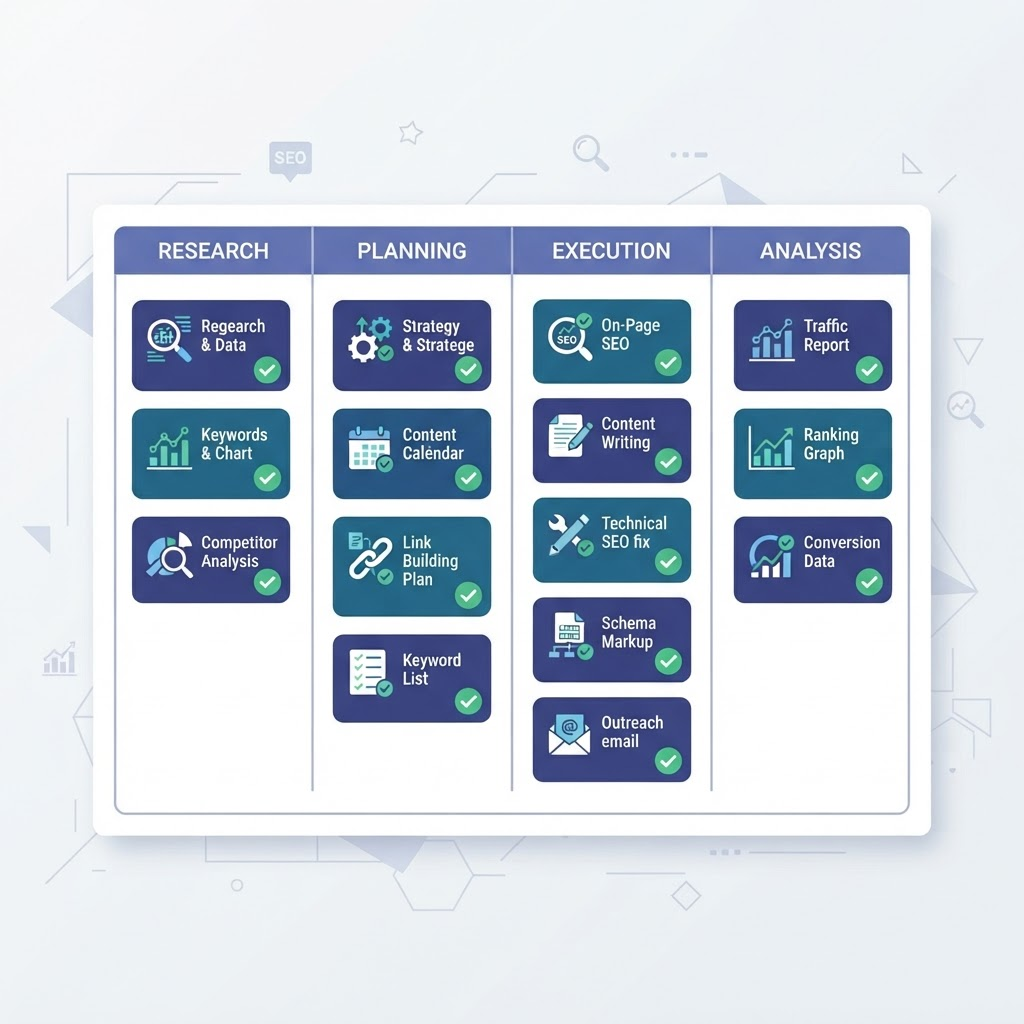
Track every backlink's indexing status in one place
Add links, organize campaigns, and monitor progress with MyBacklinkIndex.
Start Indexing Free